Latest News: Book a visit to our latest intelligent anti-wandering system showroom. | Making healthcare warmer.

Central Monitoring Platform

Central Monitoring Platform Description

Description

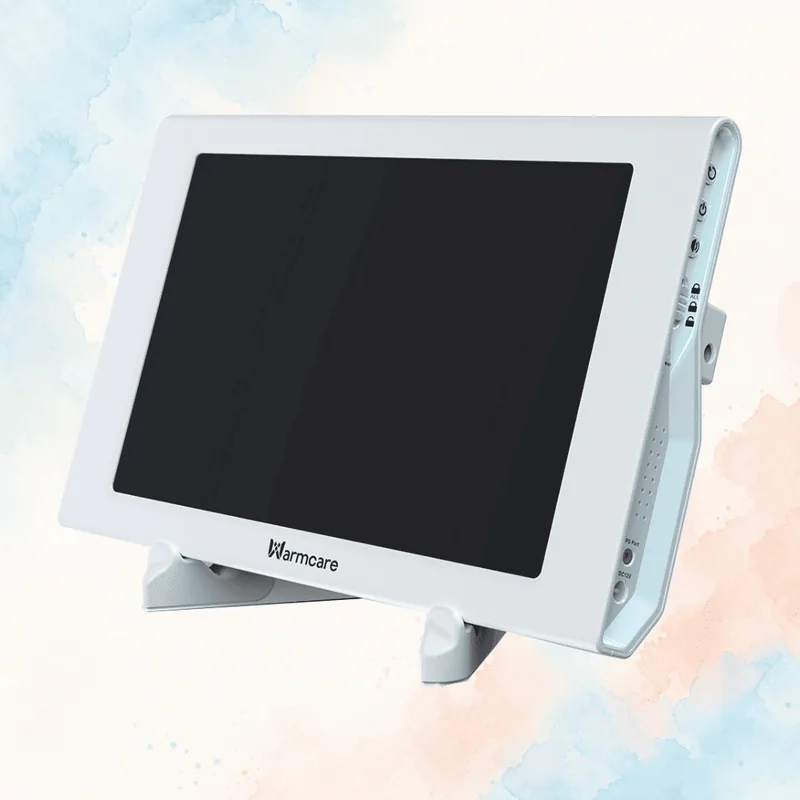
The Central Monitoring Platform is a powerful data hub designed to seamlessly integrate all call and safety protection systems within the facility. Through intelligent interfaces and large displays, it provides medical staff with clear, real-time ward status and alerts, effectively improving management efficiency and patient safety.

The platform works as a central monitoring system, bringing nurse call, anti-wandering and fall alerts into one view.

Central Monitoring Platform Applications

Applications

Nurse Stations Hospital Corridors Director's Office
Central Monitoring Platform Key Features

Key Features

Centralized Management

Receives wandering, fall, and call signals in one place.

Multi-device Sync

Supports synced display across touch panels and corridor screens.

Data Logging

Automatically records call and alarm history for future analysis.

Corridor Display and Real-time Alarm Visibility

In addition to CMU Touch as the central management unit, the Central Monitoring Platform can connect with LCD Banner and LED Banner displays to synchronize nurse call, fall prevention, and anti-wandering alerts across nurse stations, corridors, and shared care areas.

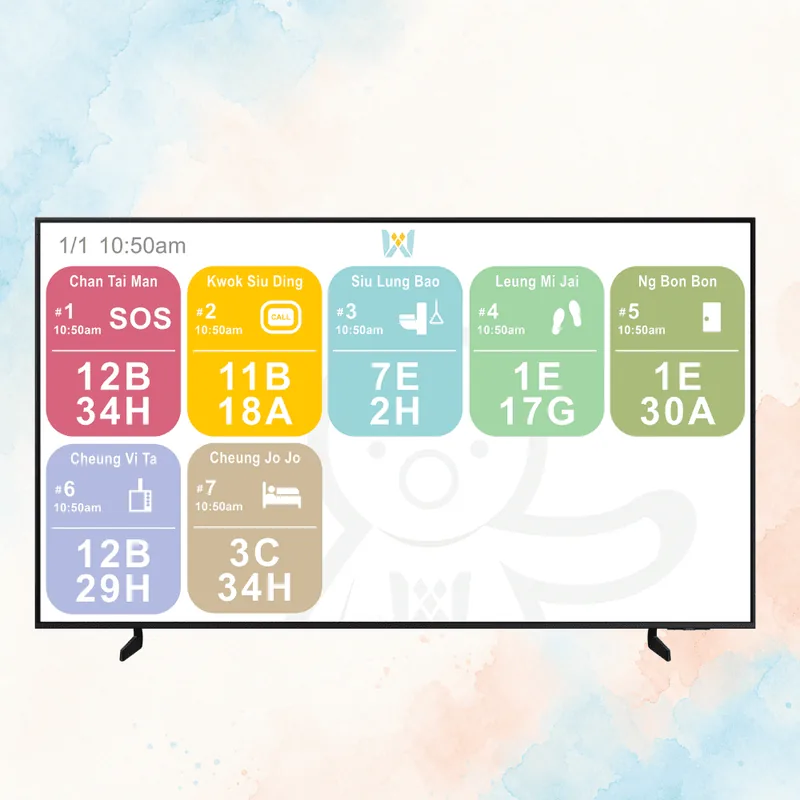
LCD Banner Alarm Display Set
LCD Banner

Clear room, alert type, and alarm status display

LCD Banner is designed for nurse stations, floor corridors, and central monitoring points where staff need more complete alarm information at a glance. When a resident presses a call button, a bed pad triggers a bed-exit alert, or the anti-wandering system detects a doorway event, the LCD Banner can show the room number, alert category, and source location in real time.

For care homes managing multiple rooms and different safety systems at the same time, LCD Banner helps consolidate dispersed events into clear visual prompts, reducing the chance of missed alarms or incorrect source identification.

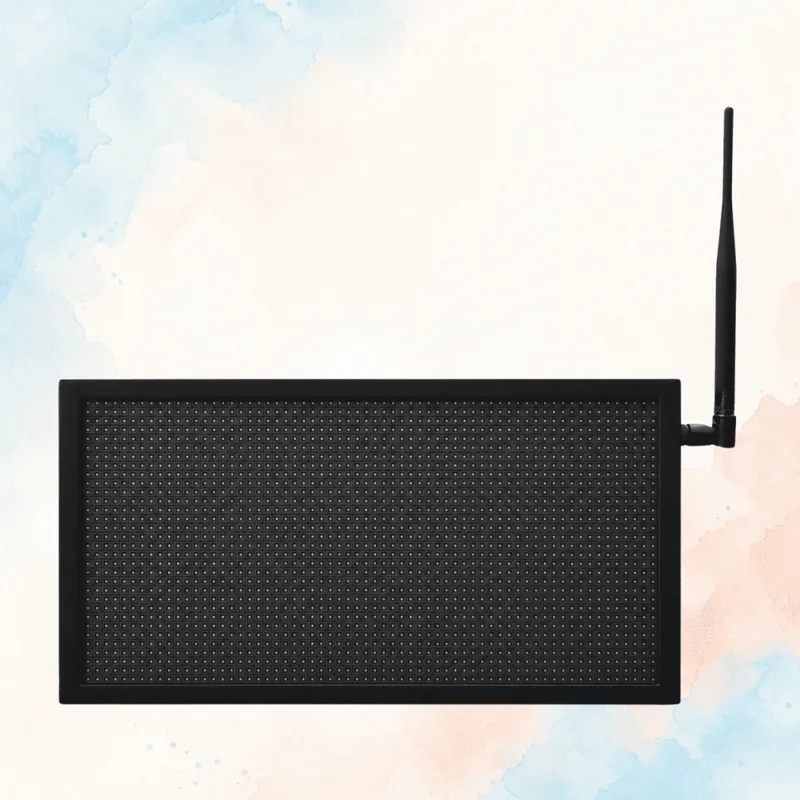
LED Banner Display
LED Banner

High-visibility alerts for longer viewing distance

LED Banner is suitable for long corridors, public areas, and larger care environments where alerts need to be visible from a distance. It presents urgent messages with high-contrast text and light signals, allowing staff to notice updates while walking, patrolling, or supporting other residents.

When emergency calls, fall prevention alerts, or anti-wandering events need to reach a wider on-site area, LED Banner acts as a high-visibility alert layer that complements the central console and LCD display points.

Synchronized Platform Alerts

Works with CMU Touch and the central platform so alerts from different systems can appear across one visual network.

Clear Source Identification

Displays room, area, and alert type to help care teams locate events faster and shorten response time.

Better On-site Visibility

Provides different levels of real-time display for nurse stations, corridors, and larger care home spaces.

Related Products

CMU Touch

CMU Touch

Central Monitoring Unit

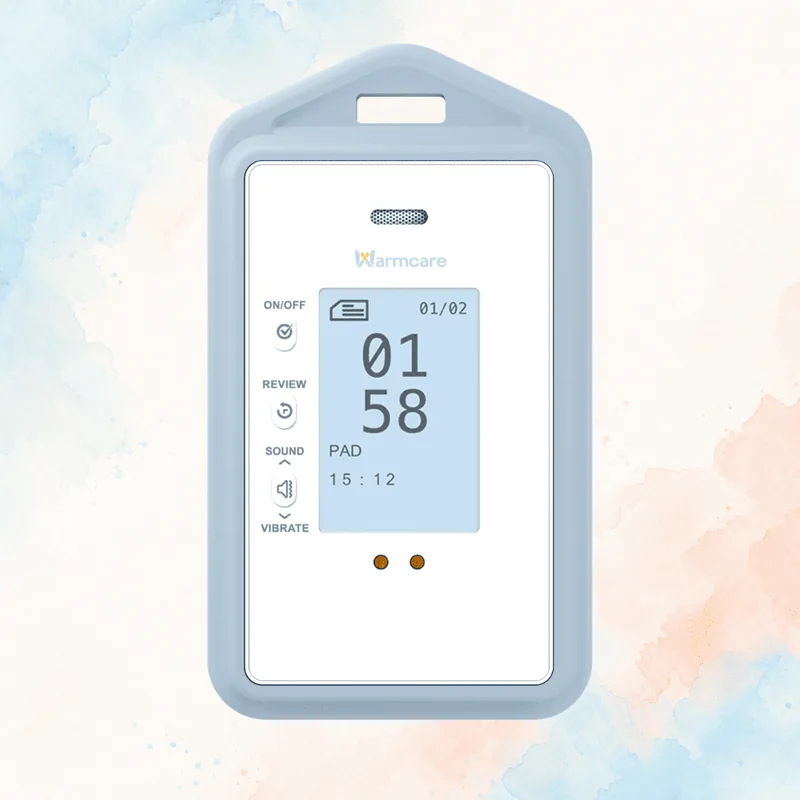
Card Pager

Card Pager

Portable Receiver

LCD Banner

LCD Banner

LCD Display Set

LED Banner

LED Banner

LED Display

Medical Call Center

Medical Call Center

Call Center Hub

Frequently Asked Questions

What makes the Warmcare Central Monitoring Platform different, and what are its benefits?

The platform's main strength is managing different systems and alerts in one place. Alerts from the nurse call, anti-wandering and fall management systems appear together on the CMU Touch central unit and corridor displays, with the room and alert type, so staff don't need to watch separate devices and can respond faster. The central unit also keeps an alert history for supervisors to review. Warmcare can also work with other companies to connect additional systems to the platform as a customised project.

What does the Central Monitoring Platform show?

The Central Monitoring Platform displays nurse call, anti-wandering and fall management alerts together, including information such as room, alert source and status. Staff can view notifications through CMU Touch and associated LCD or LED displays at nurse stations or in corridors. The central unit also keeps alert history for supervisors to review, with displayed details depending on the setup.

What happens during a power or network outage?

Calls and alerts continue during a network outage; during a power cut, equipment requiring continuous mains power can run temporarily on backup power. Warmcare’s calls and alerts do not require Wi-Fi, so they do not depend on the facility’s Wi-Fi connection. Ask about the backup duration for the equipment included in your proposed setup.

Is resident data kept private?

Only supervisors with the password can view, export or delete alert records on the central unit, and Warmcare does not access them remotely. The system supports bed, room or other IDs, with optional names including residents’ names. Alert records are kept on the central unit for seven years and can be exported, with facilities managing access to exported files.